
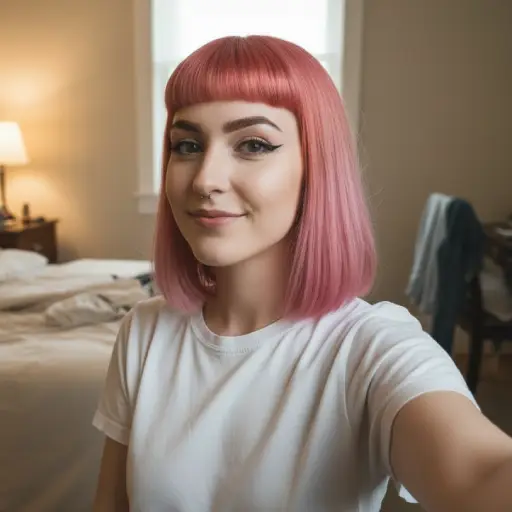
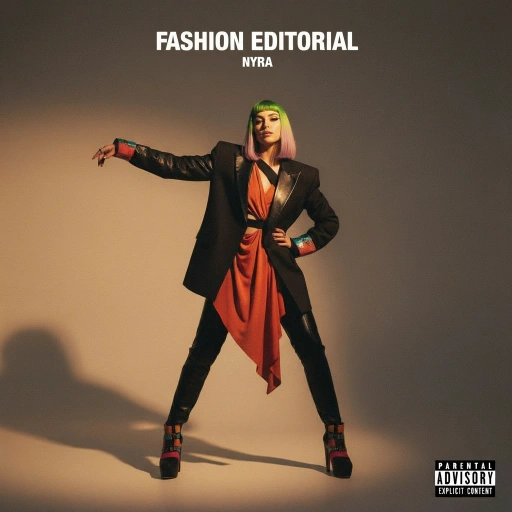
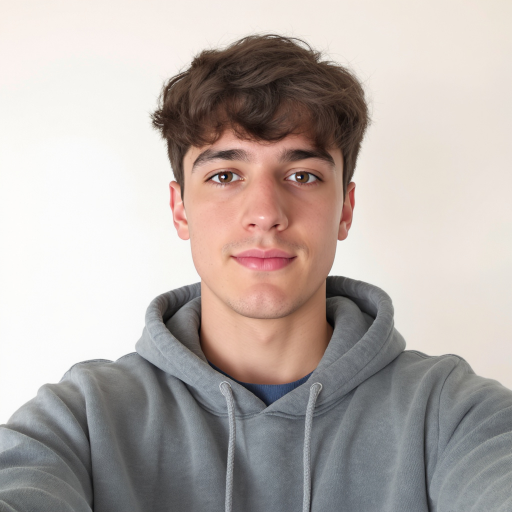
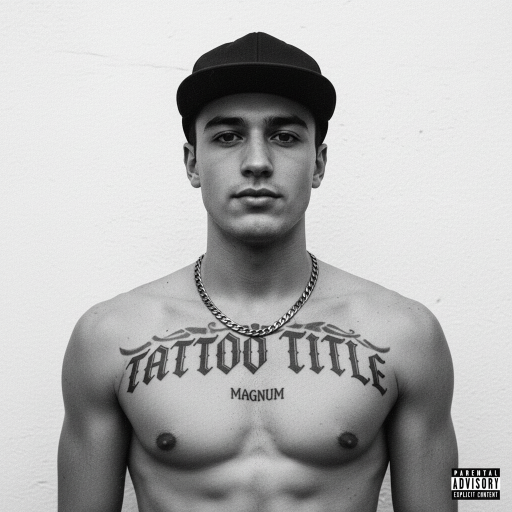
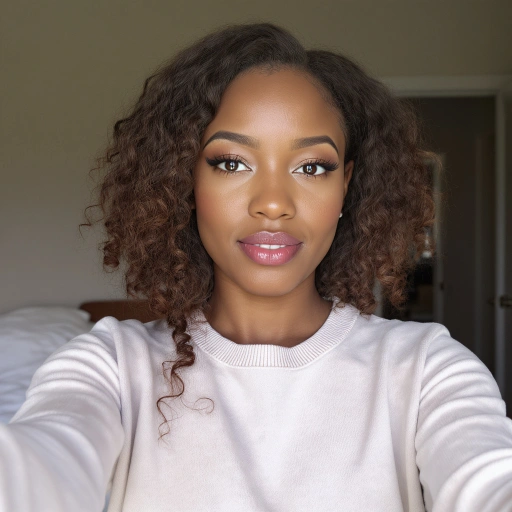
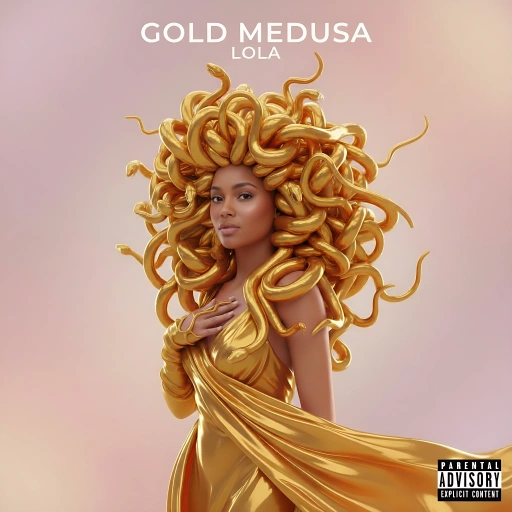
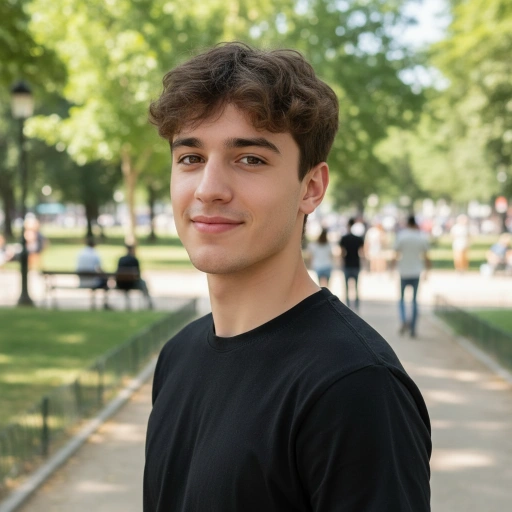
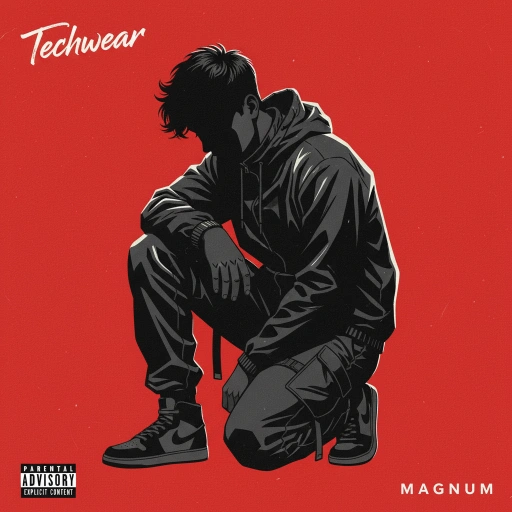
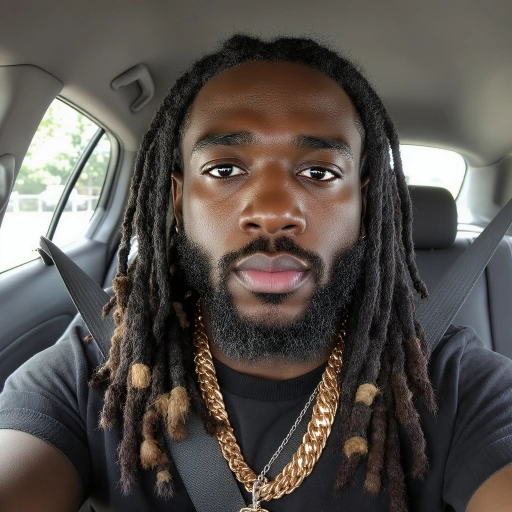
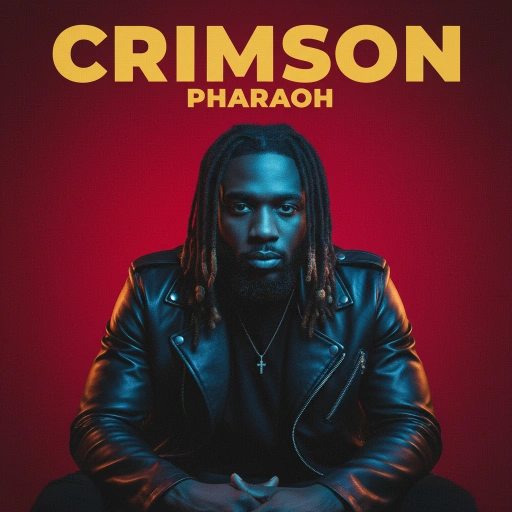
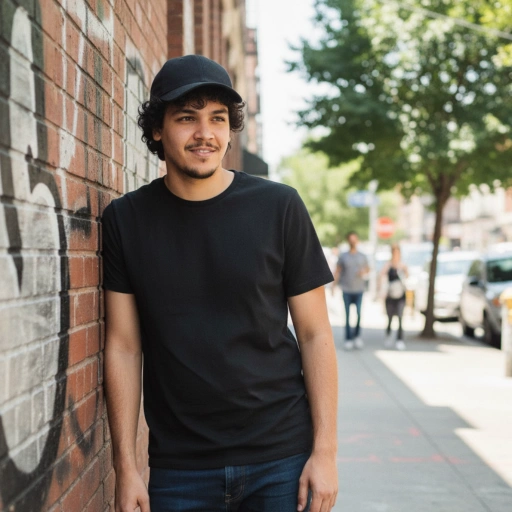
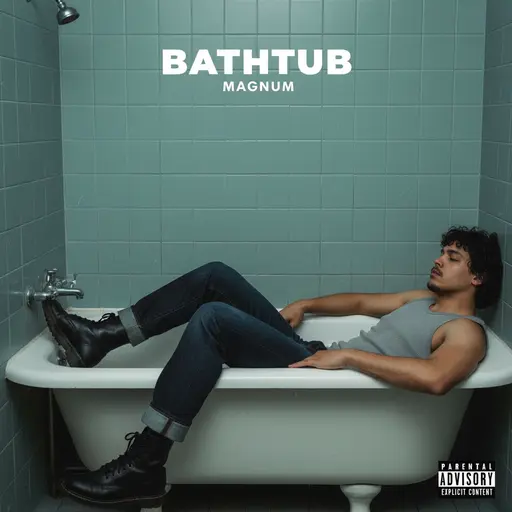
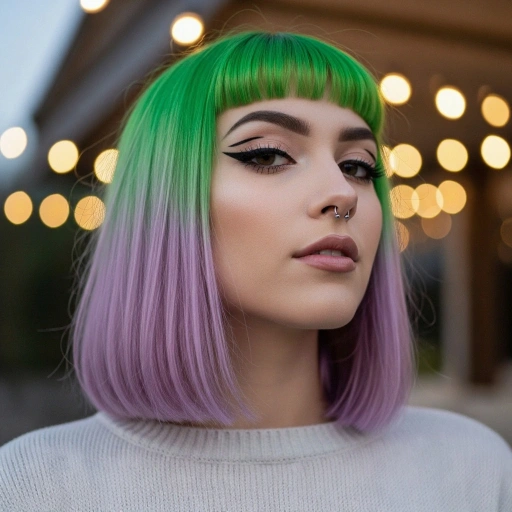
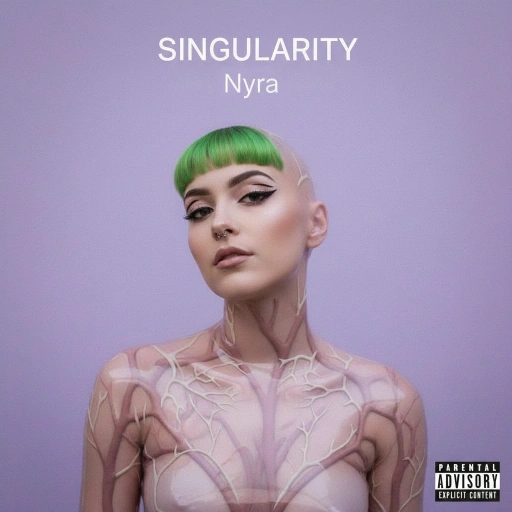
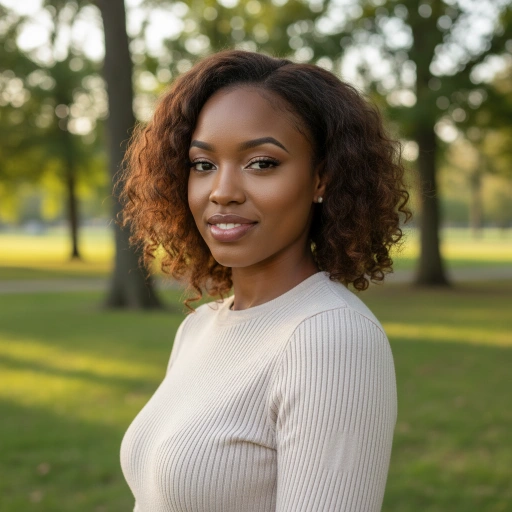
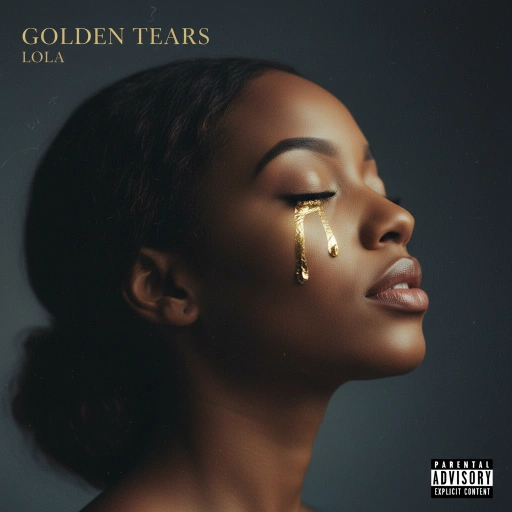
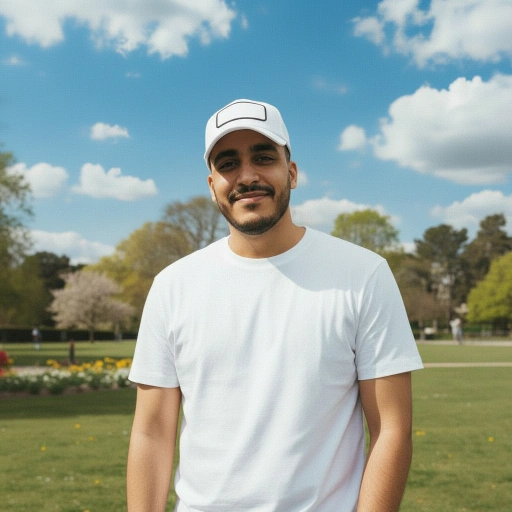
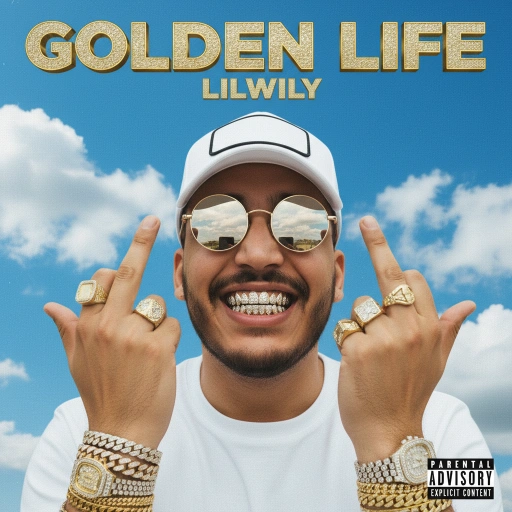
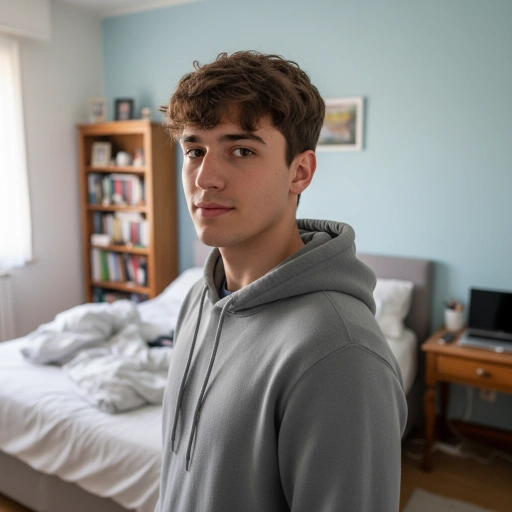
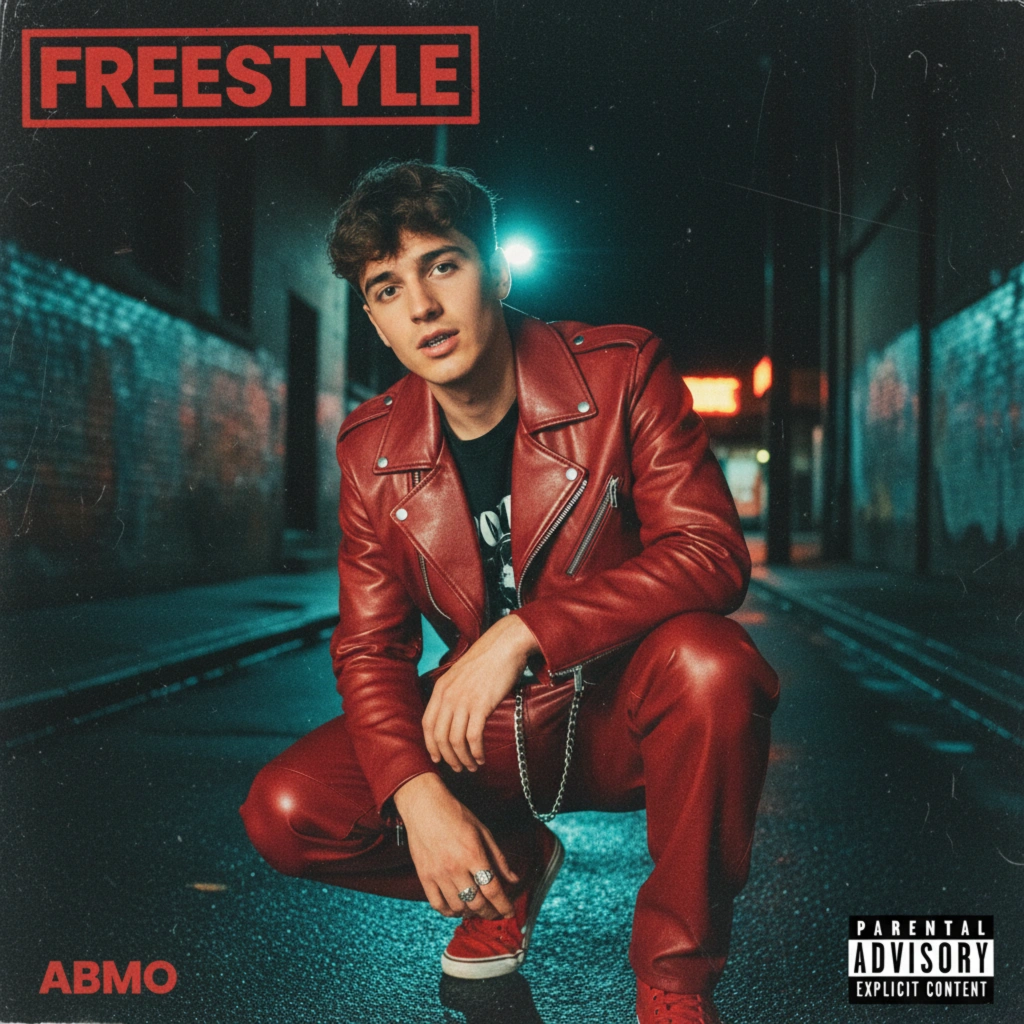
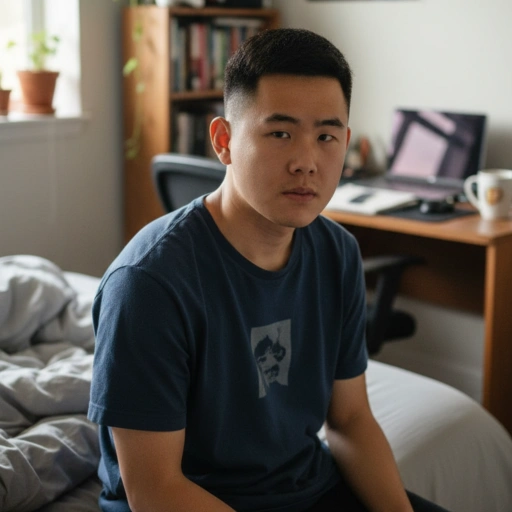
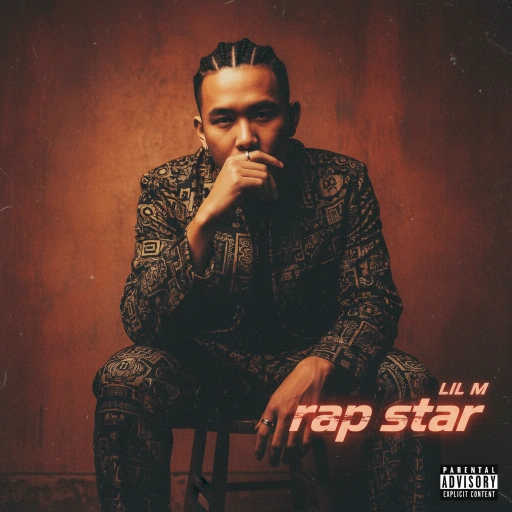
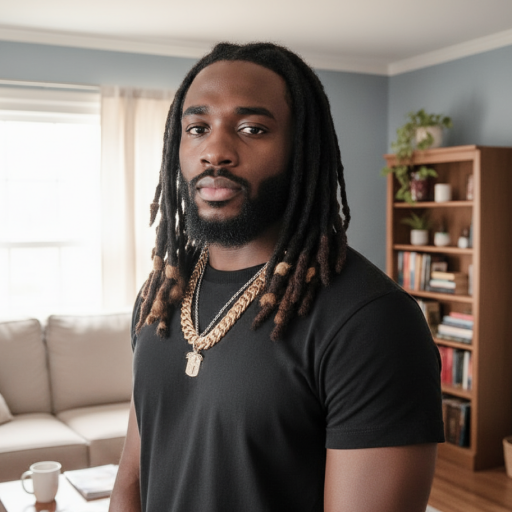
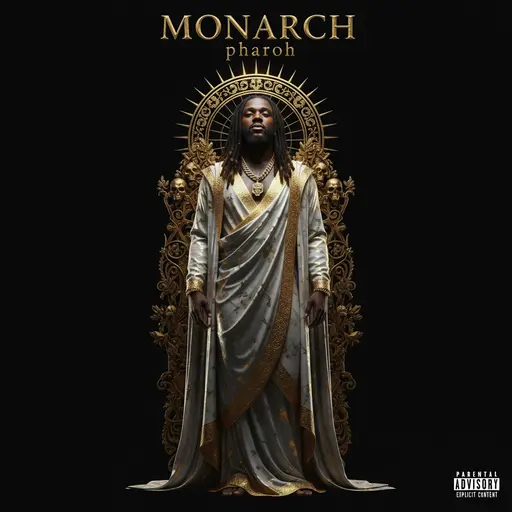
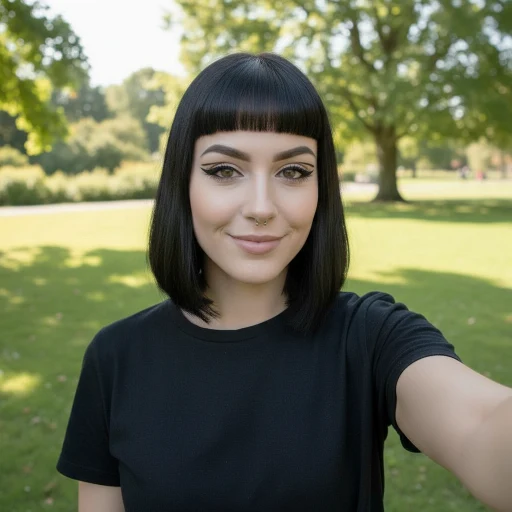
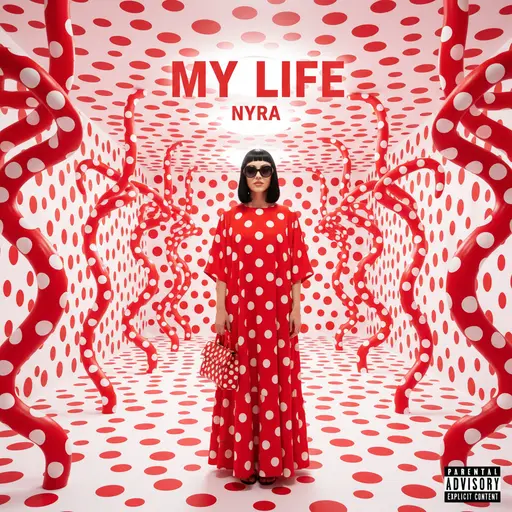
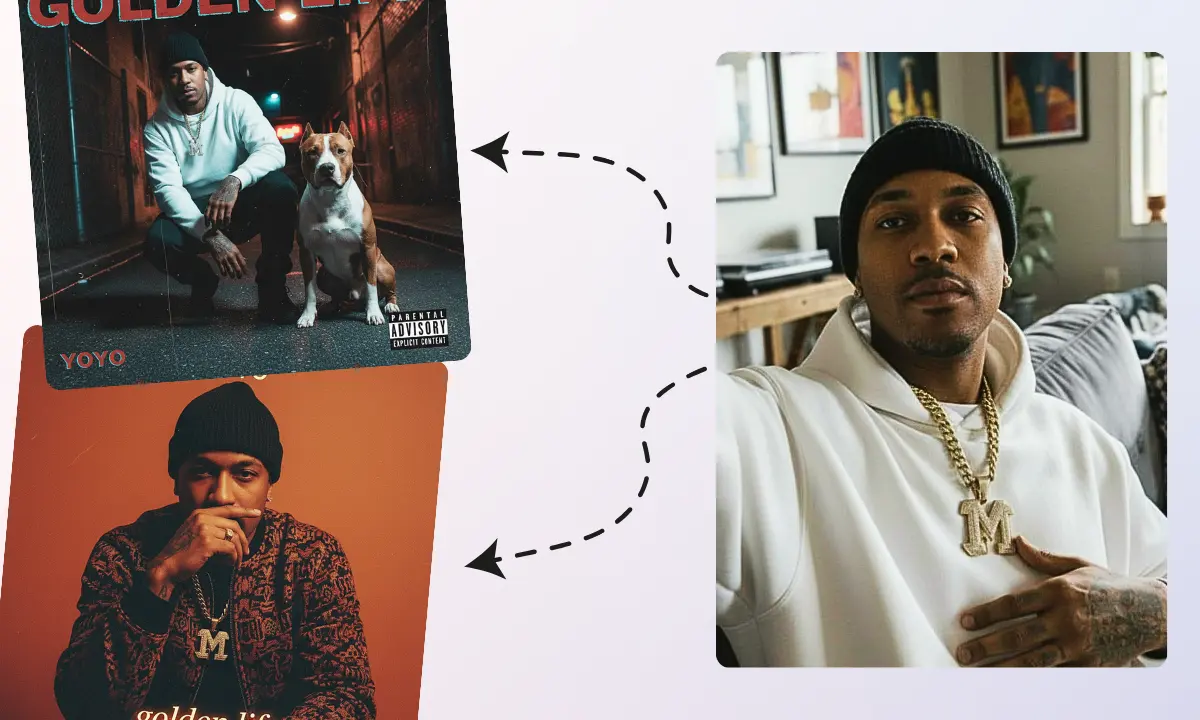
Turn a selfie into an album cover
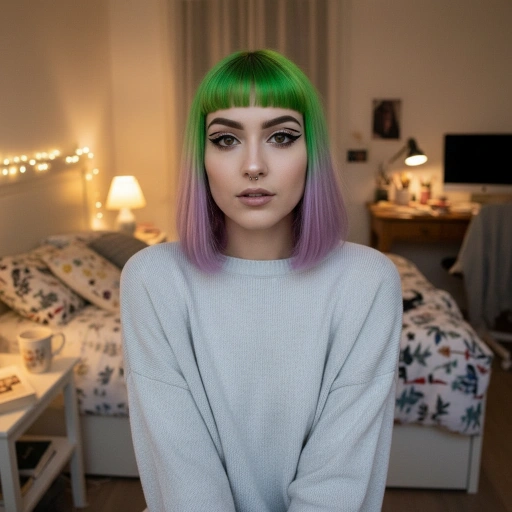
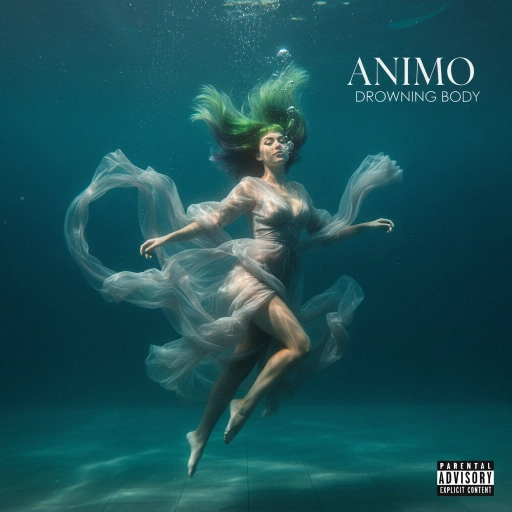
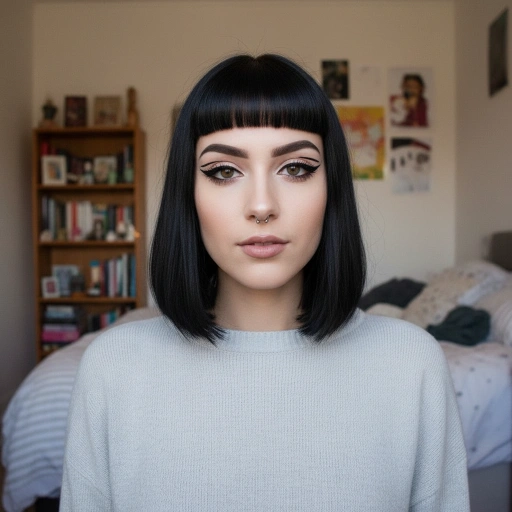
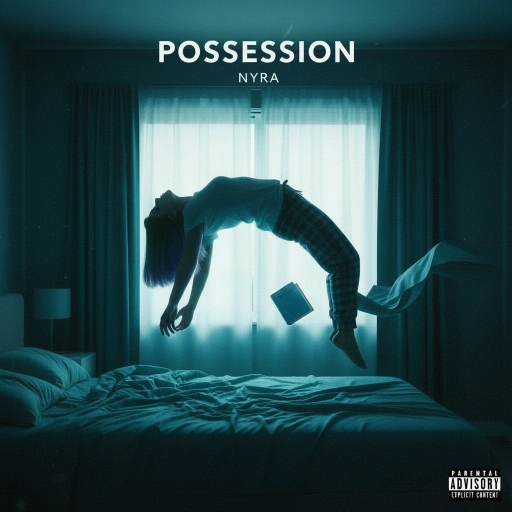
Upload an ordinary photo and the generator restyles the lighting, wardrobe, and atmosphere around you while keeping your face recognizable. Slide to compare real transformations.
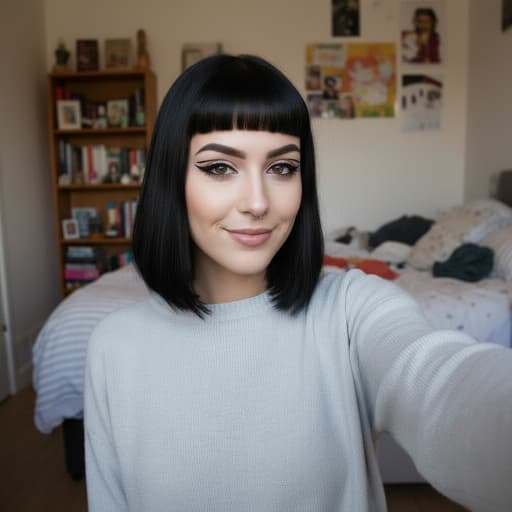
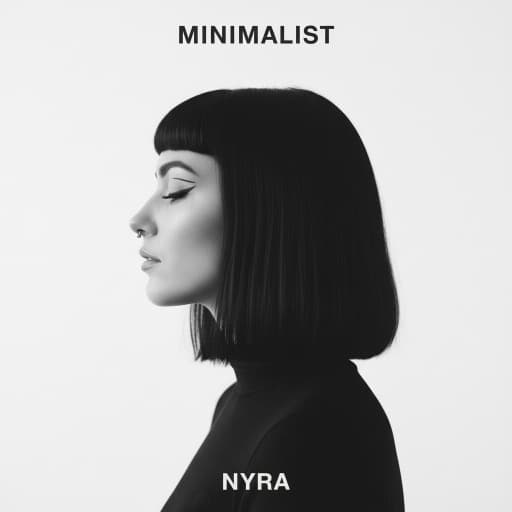

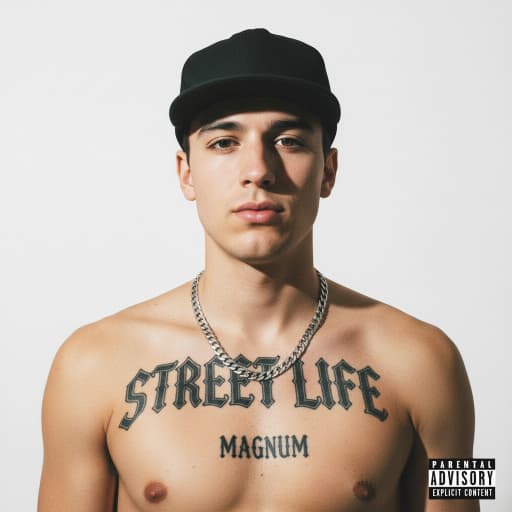
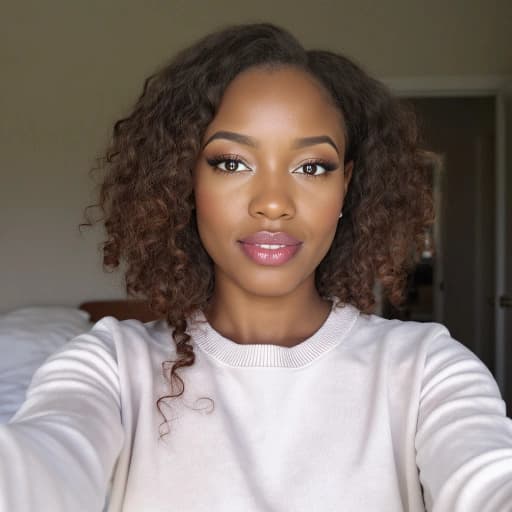
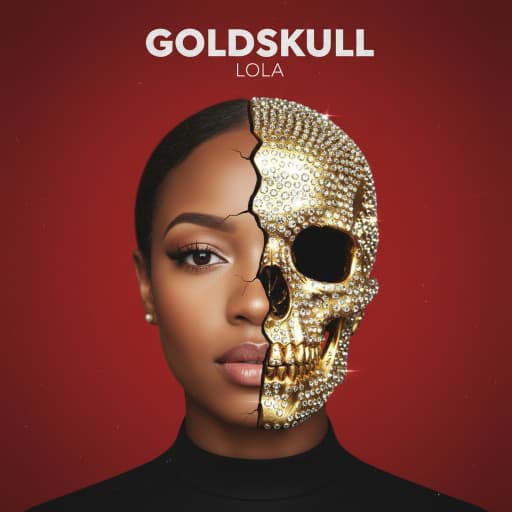
How to make an album cover with AI
From blank idea to release-ready artwork in three steps — no design skills, no Photoshop, no back-and-forth with a designer.
Describe it or upload a photo
Type the cover you hear in your head — mood, scene, era, palette — or upload a selfie to be transformed into the artwork. A reference image works too if you want the generator to match an existing style.
Pick a style and add your title
Choose a genre-tuned preset, then add your artist name and album title. The text is rendered natively into the design with fitting typography — not pasted on top — so the result reads as a designed sleeve.
Refine and export at 3000×3000
Run variations, lock the style you love, fine-tune colors and seeds, and download a square 3000×3000 cover that passes Spotify, Apple Music, and distributor checks on the first try.
Presets & Custom styles
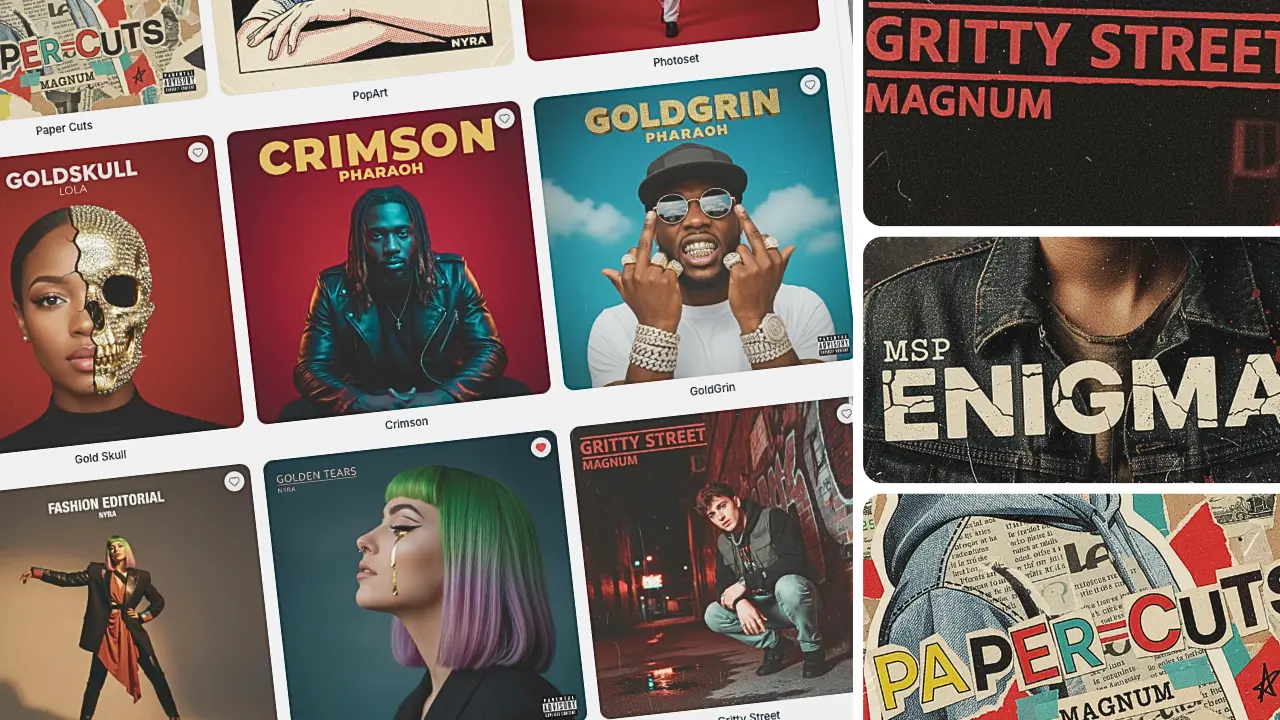
Start from presets tuned for hip-hop, rock, metal, EDM, lo-fi, R&B, pop, country, and indie — or upload any image and turn it into a reusable custom style of your own. Browse all style presets.
Integrated Typography
Artist names and titles render as part of the artwork with genre-appropriate fonts and placement. No Photoshop, no garbled AI text, no editing afterward.
Consistent Visual Identity
Style locks, reference images, and brand kits keep singles, EPs, and full albums inside one recognizable visual world — so a release series reads as a body of work, not disconnected artwork.
Precise Control & Editing
Go beyond prompting with inpainting and outpainting, fixed seeds for reproducible results, negative prompts, custom palettes, and composition guides.
Release-ready for Spotify, Apple Music, and every distributor
Cover art gets rejected at distribution more often than artists expect — wrong size, wrong aspect ratio, blurry upscales, or unreadable text. Every export here is built to pass on the first submission.
3000×3000 native resolution
Covers generate at a true 3000×3000 pixels — Apple Music's recommended size and nearly five times Spotify's 640×640 minimum. No upscaling artifacts, and enough resolution for vinyl and CD print work.
Passes distributor checks
DistroKid, TuneCore, and CD Baby all require square, high-resolution artwork with clean, readable text and no platform logos. Exports meet those requirements by default, so your release isn't delayed by an artwork rejection.
Sharp at every size
Your cover lives mostly as a thumbnail — in playlists, libraries, and search results. Compositions and typography are tuned to stay legible from a full-screen vinyl mockup down to a 64-pixel playlist tile.
You own your cover art — commercial use included
Licensing is where most AI image tools get murky: free tiers that don't include commercial rights, terms that change between models, and fine print that puts your release at risk. We keep it simple — the covers you generate are yours. Every plan includes ownership of the artwork and full commercial usage rights, with no attribution required and no extra licensing fees.
That means you can release your covers on Spotify, Apple Music, and every other streaming platform, press them on vinyl, CDs, and cassettes, print them on merch and tour posters, and use them across your marketing — permanently, even if you later cancel your subscription. Streaming platforms and distributors accept AI-generated artwork as long as it follows their content guidelines, and the original covers you create here qualify.
An album cover generator for every genre
Every genre has its own visual language — a drill cover and a lo-fi beat tape should never look like they came from the same template. The presets are tuned per genre, and each generator below is built around what actually works in that scene.
Hip-Hop Covers
Hip-Hop Album Cover Generator
Mixtape Covers
Mixtape Cover Maker
Rock Covers
Rock Album Cover Generator
Metal Covers
Metal Album Cover Generator
EDM Covers
EDM Cover Art Generator
Lo-Fi Covers
Lo-Fi Album Cover Generator
R&B Covers
R&B Album Cover Generator
Pop Covers
Pop Album Cover Generator
Country Covers
Country Album Cover Generator
Indie Covers
Indie Album Cover Generator
Podcast Covers
Podcast Cover Art Generator
Playlist Covers
Playlist Cover Maker
Why artists choose AlbumCover.Art
Built for music releases — not another generic image generator
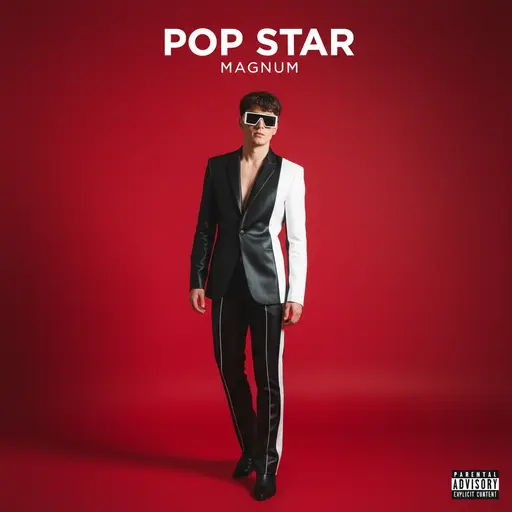
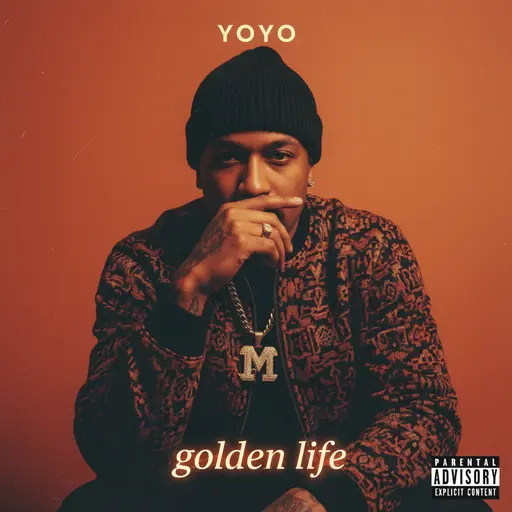
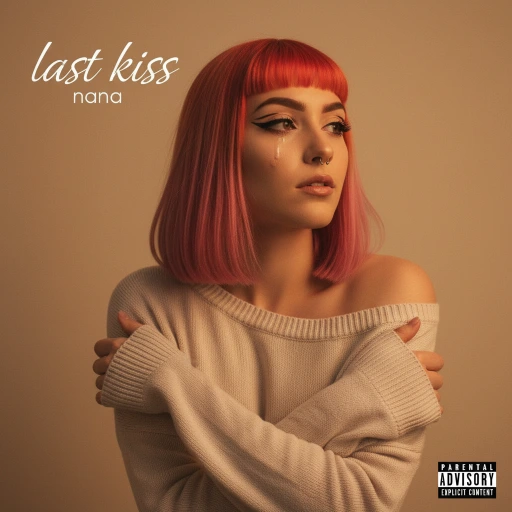
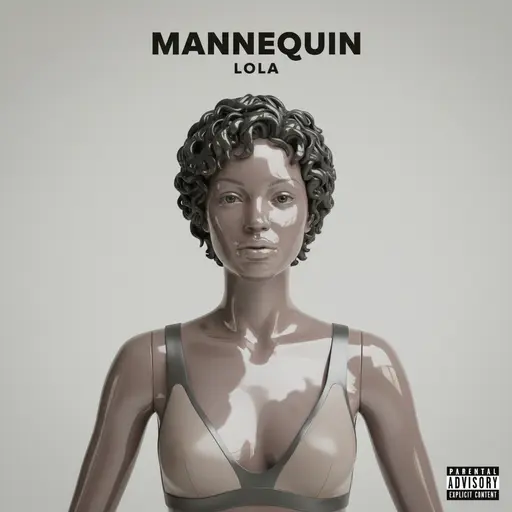
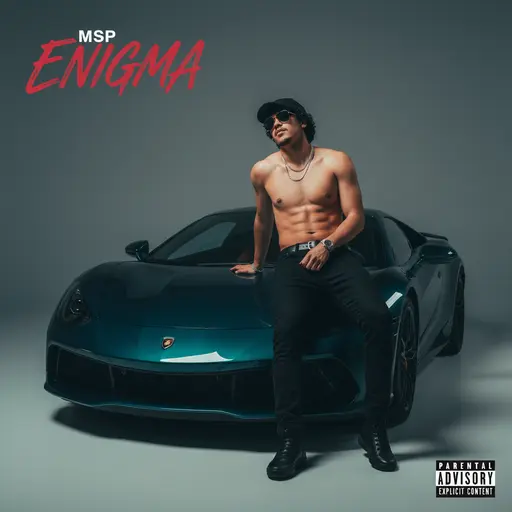
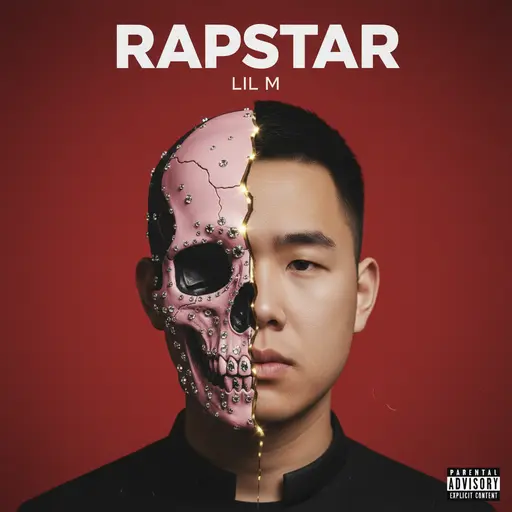
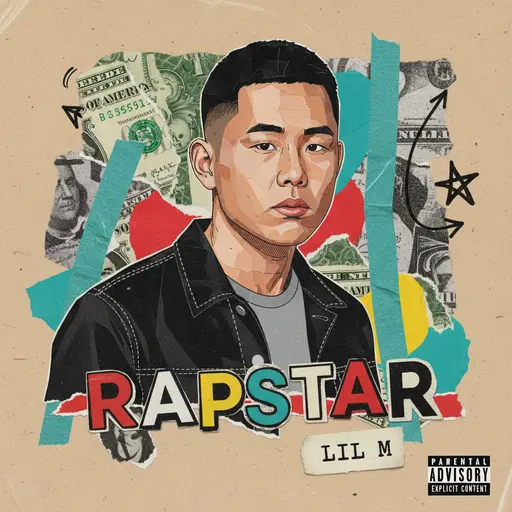
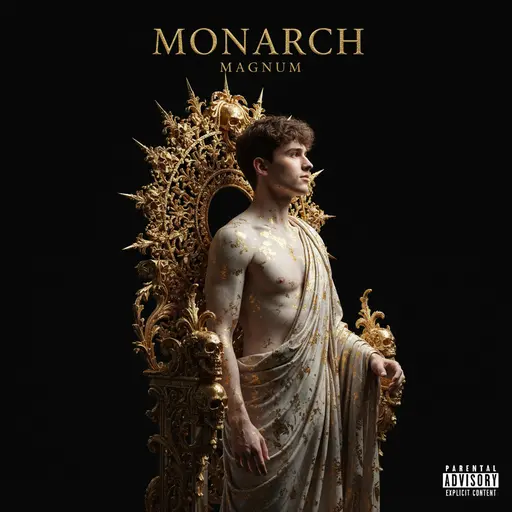
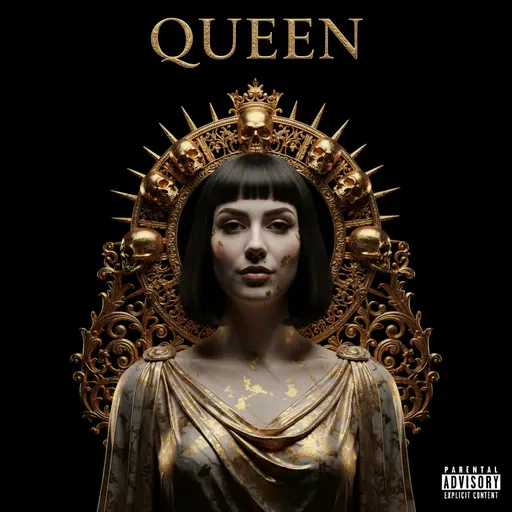
AlbumCover.Art ✅
- ✓Print‑ready 3000×3000
- ✓Integrated titles
- ✓Style locks & kits
- ✓Commercial use included
Others 👎
- ×Low‑res outputs
- ×Manual typography
- ×No brand consistency
- ×They all look the same
Simple, transparent pricing
Choose a plan that fits your workflow
Artist
Perfect for individual creators
- ✓Release-ready 3000×3000
- ✓Ownership + commercial use
- ✓Upload custom styles
- ✓Native, accurate text
- ✓Email support
Label
For record labels & agencies
- ✓Release-ready 3000×3000
- ✓Ownership + commercial use
- ✓Upload custom styles
- ✓Native, accurate text
- ✓Priority support
Frequently asked questions
Everything you need to know
You describe the cover you want in plain English, or upload a selfie or reference photo, then pick a style preset. Our models generate several cover concepts in seconds, with your artist name and title rendered as part of the design. From there you can refine the prompt, lock a style you like, adjust typography and colors, and export the final cover at full resolution.
Yes. Every cover exports at 3000×3000 pixels in square 1:1 format, which meets Apple Music’s recommended size and comfortably clears Spotify’s 640×640 minimum. That is also the size distributors like DistroKid, TuneCore, and CD Baby expect, so your artwork passes distribution checks without resizing or upscaling.
Yes. Typography is integrated into generation, so your artist name and title are rendered as part of the design with genre-appropriate fonts and placement, rather than text pasted over an image. You can adjust the wording, font, and layout before exporting, with no Photoshop required.
Yes, that is one of the most popular ways to use AlbumCover.Art. Upload a selfie or any portrait, choose a style, and the generator transforms it into stylized cover art while keeping your likeness recognizable, so your covers build a consistent visual identity around you as the artist.
Yes. You own the covers you generate, and every plan includes full commercial usage rights. You can release them on streaming platforms, press them on vinyl and merch, and use them in marketing without paying additional licensing fees or crediting us.
Yes. Streaming platforms and distributors accept AI-generated artwork as long as it meets their content guidelines: no misleading imagery, no infringing logos or brands, and no explicit content without the proper tag. Covers you generate here are original images that you are licensed to distribute commercially.
All of them. There are presets tuned for hip-hop, rap and mixtapes, rock, metal, EDM and electronic, lo-fi, R&B, pop, country, and indie, plus podcast and playlist cover formats. You can also upload any reference image to create a custom style and reuse it across releases.
Generic image tools produce nice pictures that rarely work as covers: text comes out garbled, resolution is too low for distribution, and every output looks unrelated to the last. AlbumCover.Art is built for music releases, with native typography, 3000×3000 exports, genre-tuned presets, and style locks that keep singles, EPs, and albums visually consistent.
Yes. Style locks, reference images, and brand kits let you save the visual language of a release and apply it to the next one, so a series of singles or an album rollout reads as one cohesive body of work instead of disconnected artwork.
You can generate your first covers for free, with no credit card required, to see how the tool fits your workflow. Paid plans start at $19.95/month for 100 generations with full-resolution exports and commercial rights, and the Label plan covers teams and agencies with 500 monthly generations.
We offer prorated refunds within 7 days of subscribing for unused generations. If you are not satisfied with the service, contact our support team and we will work with you to find a solution.
Absolutely. You can cancel your subscription at any time from your account settings, and you keep access to the service until the end of your current billing period.
From idea to Album Cover in seconds
Start with three free generations — no credit card needed. Describe the record or upload a selfie, add your artist name and title, and keep the concept that sounds like your music. Every cover downloads at 3000×3000, ready for release.