
Mixtape Cover Maker
Mixtape covers play by different rules than album art. The tape era built its own visual language — busy collages, airbrushed portraits, bold stacked text, hosted-by credits, and parental advisory stamps — and modern SoundCloud and streaming-era tapes still borrow from it. A generic image generator does not know any of that. This tool does: it produces covers that read as mixtapes, not as stock art with a title.
Describe the energy of the tape and let the maker handle composition: a centered portrait with a stacked tracklist vibe, a collage of motifs from your lyrics, or a clean modern flip of the classic DatPiff look. Titles, volume numbers (“Vol. 3”), and host credits render directly into the design, and everything exports at full streaming resolution.
Covers generated with AlbumCover.Art
Real outputs from the generator — every export is 3000×3000 and release-ready.
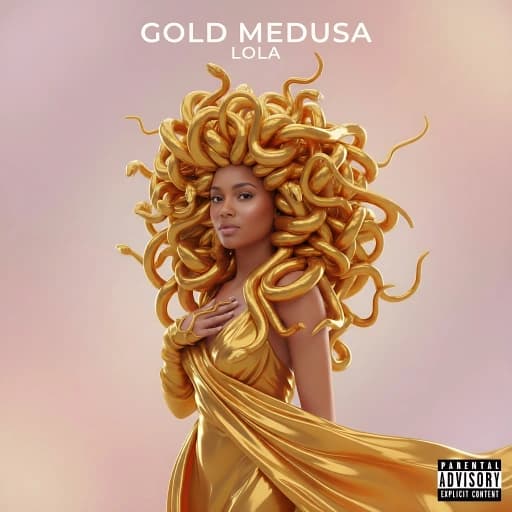
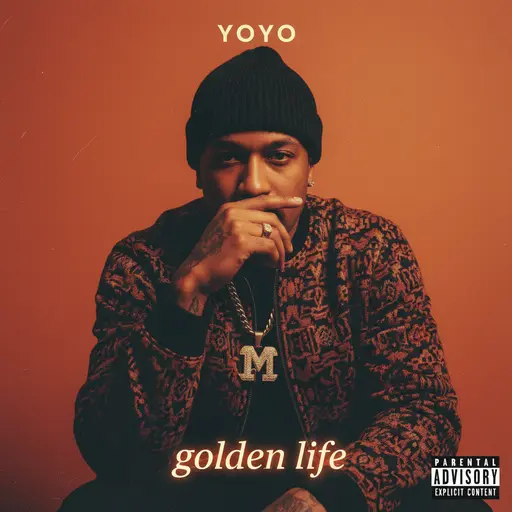
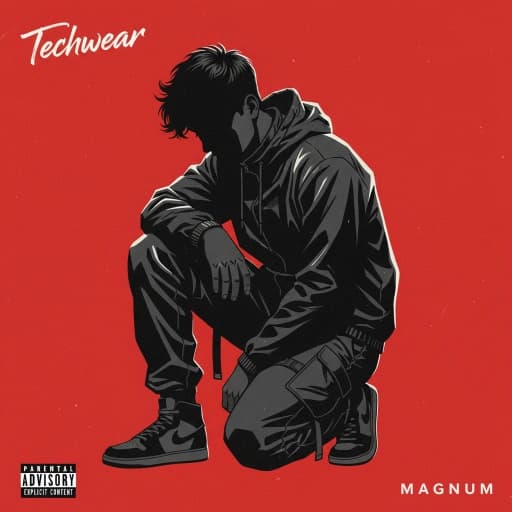
What makes mixtape art different
A mixtape cover has its own conventions, and the presets lean into them:
Layered, collage-style composition
Multiple elements — the artist, symbols from the music, money, cars, city skylines — arranged like the classic tape covers rather than one clean subject.
Loud stacked typography
Mixtape text is information-dense: title, volume number, host credit. The generator composes these as a type hierarchy instead of one floating line.
Series consistency for volumes
Dropping Vol. 1 through Vol. 5? Style locks keep the same visual identity across every installment so the series is instantly recognizable.
Streaming-era polish
The nostalgia is optional. Flip the same energy into a modern minimal cover that still works in a 64px SoundCloud thumbnail.
How to make a mixtape cover
Describe the tape or upload your photo
Give the maker the concept — “collage mixtape cover, money and smoke, red and black” — or upload a portrait to build the cover around.
Add the title, volume, and credits
Mixtape text hierarchies are built in: title, Vol. number, and hosted-by credits are rendered into the composition with era-appropriate type.
Run variations and download
Generate multiple takes, lock the one that hits, and export a 3000×3000 square that works on SoundCloud, Audiomack, YouTube, and every DSP.
Release-ready by default
Every cover exports as a square 3000×3000 image — Apple Music's recommended size, well above Spotify's 640×640 minimum, and exactly what DistroKid, TuneCore, and CD Baby expect. You own the artwork, and commercial use is included on every plan.
Mixtape Covers: frequently asked questions
Yes. Generate the first volume, lock its style, and reuse it for every following tape. The series keeps one recognizable identity while each cover stays unique.
Yes. Describe the collage elements you want and the maker composes a layered, tape-era cover — or flips the same concept into a cleaner modern style if you prefer.
Yes. Covers export at 3000×3000, which exceeds SoundCloud’s 800×800 recommendation and meets every distributor’s requirement if you take the tape to Spotify or Apple Music.
The format is the same square image, but the presets differ: mixtape styles favor collage composition, denser text, and rawer texture, while album presets aim for a single iconic image.