
Playlist Cover Maker
A playlist with custom artwork reads as curated; one with the default four-album grid reads as a folder. For curators trying to grow followers — or anyone who wants their gym mix to look as good as it sounds — the cover is the difference between a playlist people save and one they scroll past. This maker generates mood-driven playlist art in seconds, no design tools required.
Describe the mood or the moment — late-night drive, sunday reset, gym aggression, rainy-day study — and the maker produces artwork that communicates it instantly at thumbnail size. Add a short title in clean type or keep it purely visual. Spotify accepts custom covers as JPEGs up to 10MB; exports are sized and compressed to upload without a hitch.
Covers generated with AlbumCover.Art
Real outputs from the generator — every export is 3000×3000 and release-ready.
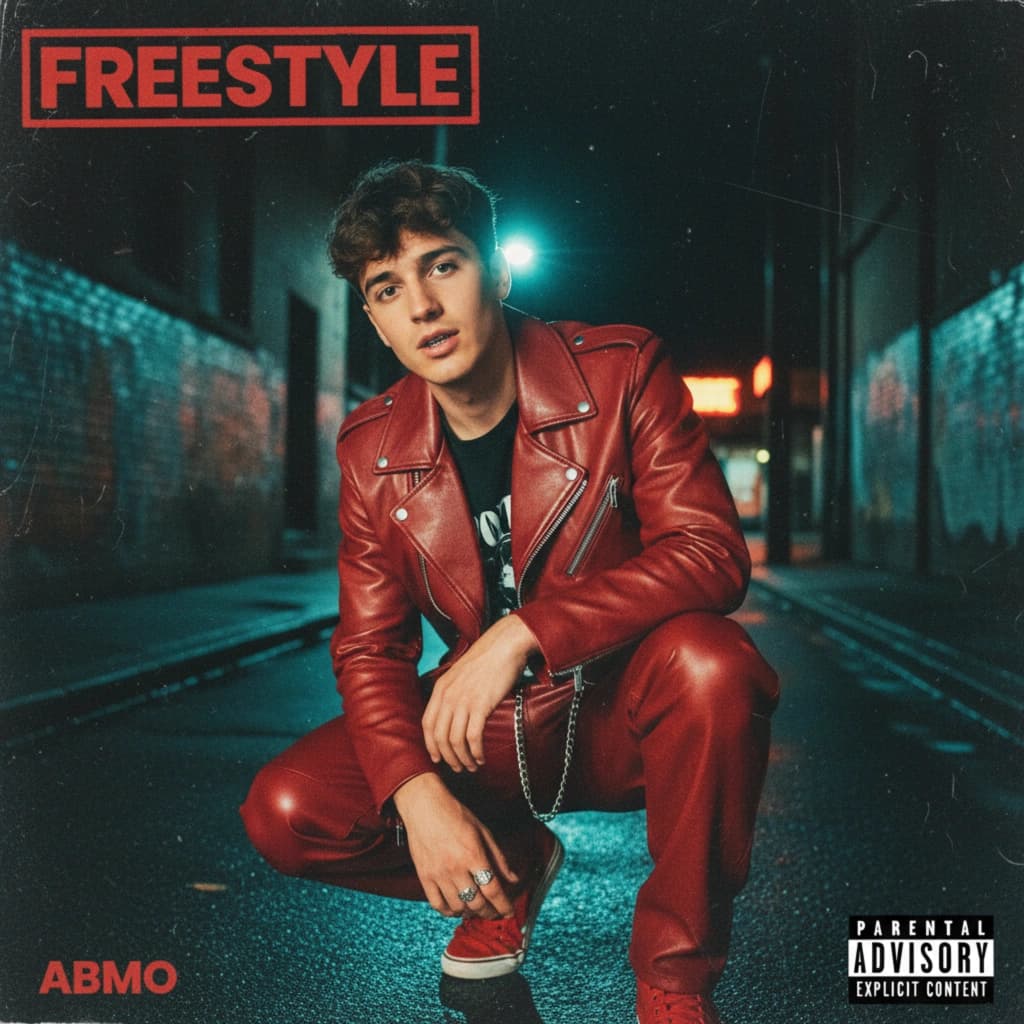
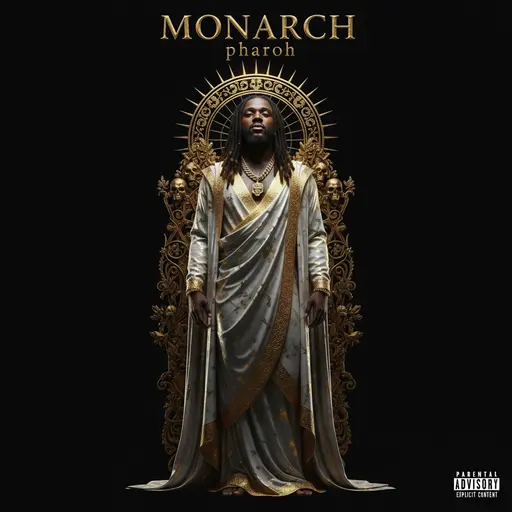
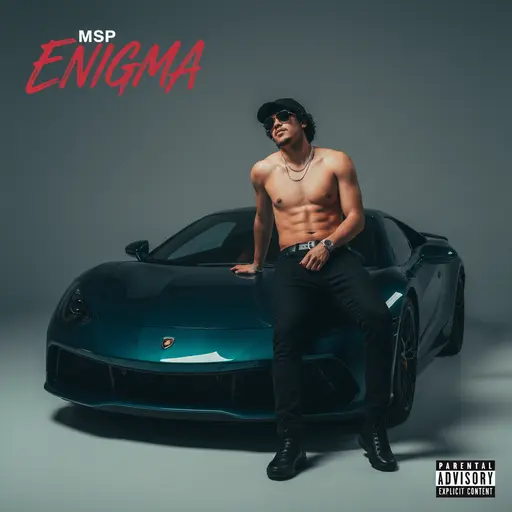
Artwork that says what the playlist sounds like
Playlist covers are mood communication at small sizes:
Mood-first imagery
A neon-lit highway for the night drive, soft morning light for the slow Sunday — one image that sets expectations before play.
Title treatments that stay legible
Short, bold text rendered into the design — readable in the Spotify sidebar, not just full-screen.
Set consistency for curators
Running a network of playlists? Lock one visual system so your whole catalog is recognizable as yours.
Seasonal refresh in seconds
Swap the summer cover for an autumn one without re-designing — same style lock, new season.
How to make a playlist cover
Describe the mood
The playlist’s purpose is the prompt: “midnight city drive, rain on the windshield, synthwave purple” or “morning coffee acoustic, warm and soft.”
Add a title or keep it visual
Short titles render bold and legible. Purely visual covers work too — mood imagery alone often outperforms text at thumbnail size.
Export and upload to Spotify
Download the square cover, open your playlist, choose “Change image,” and upload. The export is sized to pass Spotify’s upload requirements.
Release-ready by default
Every cover exports as a square 3000×3000 image — Apple Music's recommended size, well above Spotify's 640×640 minimum, and exactly what DistroKid, TuneCore, and CD Baby expect. You own the artwork, and commercial use is included on every plan.
Playlist Covers: frequently asked questions
On desktop or mobile, open your playlist, tap the cover (or the three-dot menu), choose “Change image,” and upload the artwork you generated. The change applies to everyone who views the playlist.
Spotify requires a square JPEG under 10MB, and recommends at least 300×300 pixels. Exports here are high-resolution squares compressed to upload cleanly, so they look sharp on every device.
Yes. Lock a visual style once and generate a matching cover for every playlist in your catalog — a consistent look makes a curator profile dramatically more followable.
Yes. Spotify allows custom playlist images as long as they follow content guidelines — no infringing logos, explicit imagery, or misleading content. Original generated artwork qualifies.